
5 ways to be safer online
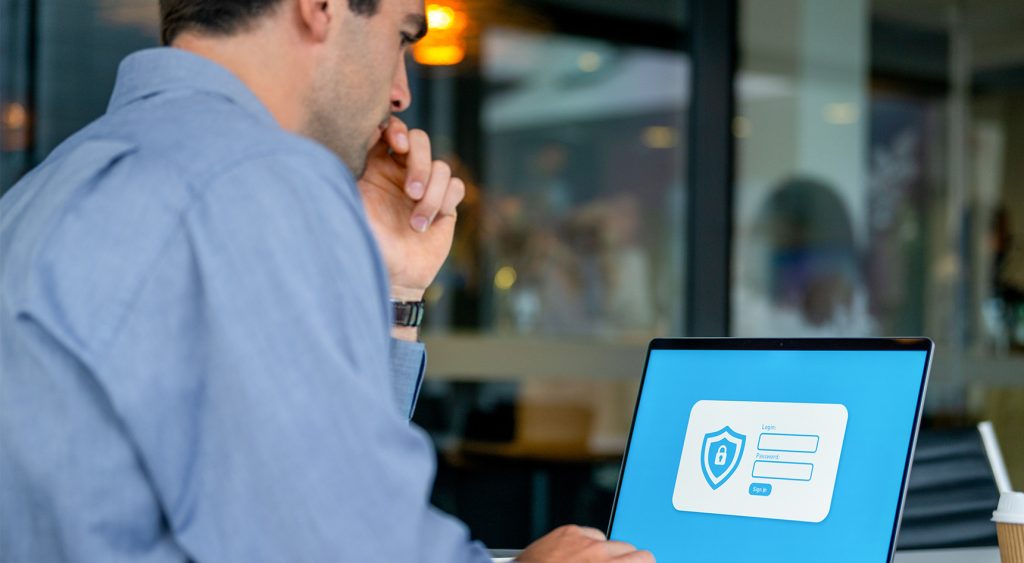
Our personal information is gold to digital criminals, and we share it readily, whether shopping online, surfing the web or posting on social media.
When our data falls into the wrong hands, we’re at risk of becoming victims of crime. There’s no foolproof way to prevent it, but there are steps you can take to better protect yourself.
We asked RAA’s General Manager for Technology, Lee Parker, for his top tips on staying safer online.
1. Passwords, passphrases or passkeys?
Gone are the days of ‘Password123’ or ‘qwerty01’ for your online accounts; if you’re still using these, please stop! Such passwords are easily cracked, which is why experts recommend passphrases instead. They’re easier for you to remember and harder for criminals to guess.
“A passphrase is a string of random and unpredictable words about 15 to 20 characters long, like rope-boat-window-mask or bird-road-curry-tiger,” Lee says.
“Use a unique passphrase for each account, especially for banking, superannuation and anything finance related.”
Passkeys are the next step beyond passwords and passphrases. They’re a more secure way to log in and use your fingerprint, face, or device PIN instead of typing anything at all. Because there’s no password to steal or reuse, they’re much harder for criminals to compromise.
“More banks, retailers and tech platforms are rolling out passkey support,” Lee says. “If you see the option to set one up, take it. It’s one of the simplest security upgrades you can make.”
Apple, Google and Microsoft all support passkeys and once set up, they sync automatically across your devices, so you won’t need to remember a thing.
If remembering complex passwords or passphrases is a challenge, a password manager generates and stores them for you, so you’ll only need to remember one master password for everything. Apple and Google both offer free built-in options, or choose a third-party app, but do your homework and choose a reputable one before signing up.
2. Use multi-factor authentication
Enable multi-factor authentication (MFA) on your accounts where possible. Along with your passphrase or password, MFA requires something else known to you to access an account. This may be a one-time code texted or emailed to you, the answer to a security question, or a biometric like a fingerprint or facial image. Even if a criminal had your password, MFA adds an extra layer of security that could stop them getting in.
“Never share your MFA code with anyone who contacts you, even if they say they’re from your bank,” Lee says. “A legitimate organisation will never ask you for it and if someone does, it’s a scam.”
3. Keep your devices updated
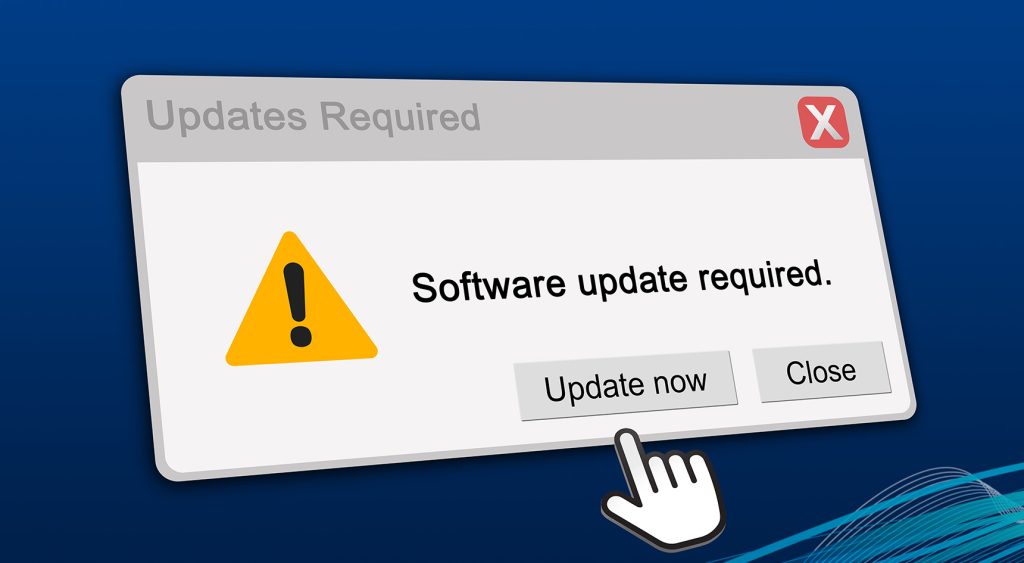
Sometimes the software on your phone or computer becomes vulnerable, which criminals can exploit to gain access. Software developers release regular updates to help plug those security gaps, so when you see a notification about a software update, don’t ignore it. Instead, back up your device and then download and install the latest software to help protect it from being hacked.
“To keep your device up to date, turn on the ‘automatic updates’ setting,” Lee says.
“Your device will install the latest software when it becomes available, and you won’t have to remember to do it manually.”
4. Be aware of scams
Scams come in many forms, including texts, emails, phone calls, social media requests and fake websites. Scammers are constantly evolving and the rise of artificial intelligence (AI) is making scams harder to spot. Australians lose more than $2 billion to scams each year and none of us are immune; you’re never too smart to be scammed.
“Scammers often create a sense of urgency to get you to take some sort of quick action,” Lee says. “If you receive an unexpected message or request, stop and think carefully before you respond.”
Never click unexpected links, open suspicious attachments, transfer money at a stranger’s request, or download software that gives someone remote access to your computer. Unsolicited requests for money to invest or for other purposes are almost always a scam. Legitimate organisations will never ask you to pay them with gift cards, send cash via a courier, or threaten to arrest you, so hang up if someone is telling you this and report it to the authorities.
Scammers often impersonate well-known organisations like the Australian Tax Office, Microsoft, PayPal, or your bank. They can even tack onto existing text message chains from your bank or spoof their phone number to appear genuine. If someone claiming to be from your bank contacts you about ‘fraudulent transactions’ on your credit card or account, hang up immediately and call back on the number listed on the bank’s website to verify the allegation.

5. Use trusted cyber security resources
We’ve only scratched the surface, and we’re not trying to scare you. But education is the best defence, and the good news is there’s plenty more information available. Banks, online retailers, and social media outlets are proactive at educating consumers about cyber security and government websites have lots of handy hints.
“The federal government’s Australian Cyber Security Centre is a trusted source and has a wealth of free information to help improve your cyber safety,” Lee says.
“And if you’re on the receiving end of something that doesn’t seem right, visit Scamwatch for advice on what to do if you think you’ve been scammed.”